For home reservations, cancellation policies are set by the host and vary by listing. If a host has selected a policy with a fully refundable option, you can cancel the reservation for free—just make sure you cancel before the time and date listed. Cancellation deadlines for receiving refunds are measured from the check-in time for the listing in its local time zone, or 3:00 PM if no check-in time is specified.
Keep in mind that some listings may be non-refundable, or only partially refundable, after certain dates and times. In these cases, you won’t be able to cancel your reservation for free. In the rare circumstances that a large-scale event at your destination prevents completion of your reservation, you may be eligible for a refund under Airbnb’s Major Disruptive Events Policy.
If you have other services booked at the home you’re canceling, you'll need to cancel them separately or make other arrangements with your service host.
Learn more about what's refunded when you cancel a home stay reservation. Remember that the amount refunded will never be more than the amount you have actually paid at the time you cancel. You can find your refund amount before or after canceling your reservation.
If you cancel your reservation after you've already checked in, you’re expected to leave the property right away.
If you’re experiencing an issue during your stay, you can ask your host to fix it, request a partial refund, or request to cancel your reservation for a full refund.
Before canceling, find out what your options are if there’s an issue during your stay
Canceling a service or experience? You can usually cancel for free up to 1 day (24 hours) before the start time of the service or experience, but certain services and experiences allow you to cancel for a full refund up to 3 days (72 hours) before the start time. Find out how to cancel your service or experience reservation as a guest.
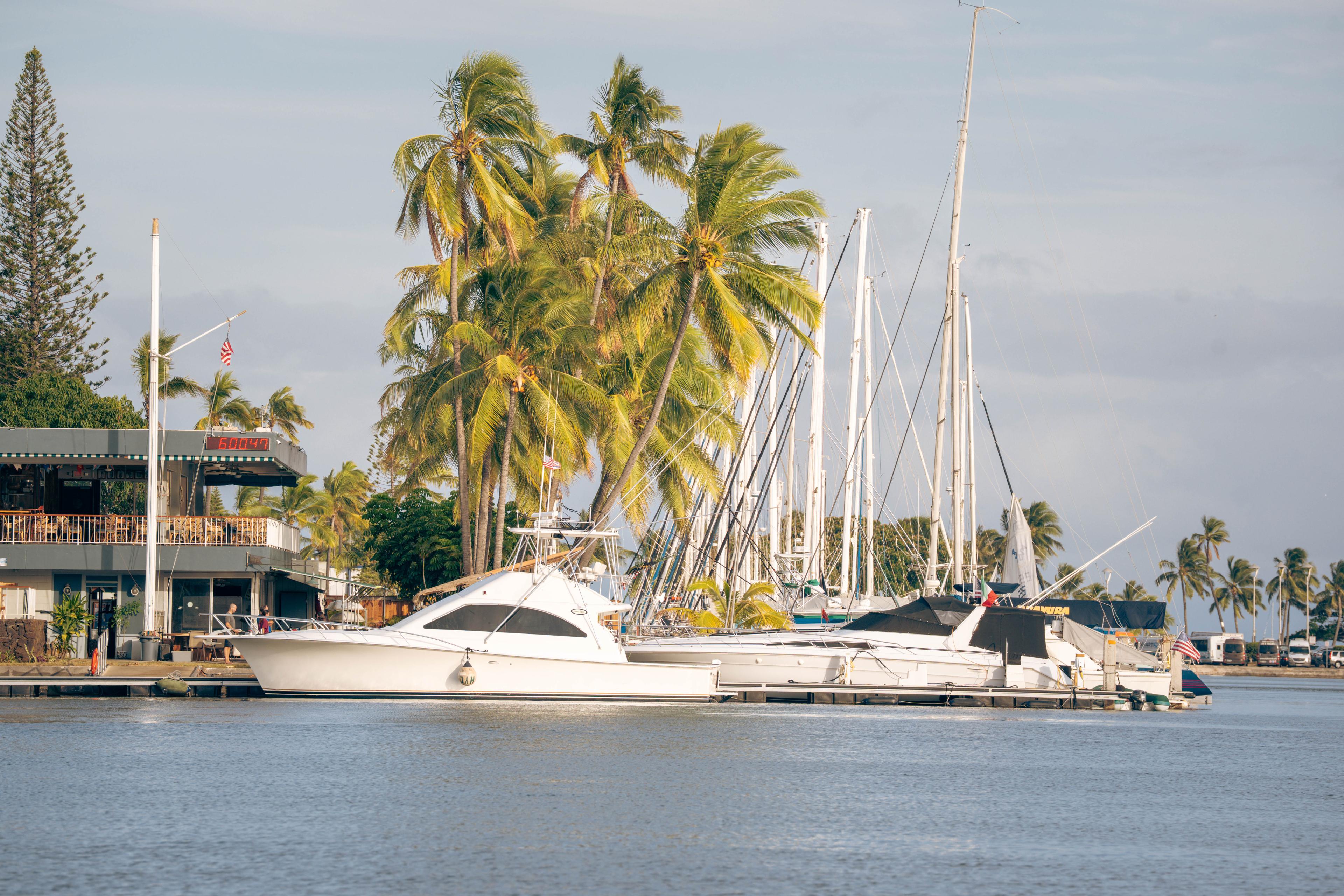
Find and book your dream boat. The world's leading luxury boat comparison site.